
TfL Account Login: How to Sign In to Your Oyster Card Account
Looking for your TfL account login? You can use one free account to top up your card, view your journey history and manage your Oyster card from your phone or computer. Many users search for Oyster log in, but TfL uses the same account for Oyster and contactless payments, so you only need one login.
This guide shows you how to complete your Oyster card login, reset a forgotten password and solve common login issues. Whether you use an Oyster card, a photocard or a contactless card, you can follow the steps below. We are an independent guide, so you will use TfL’s official website to sign in.
What Is a TfL Account?
A TfL account is a free online account provided by Transport for London. It lets you manage your pay as you go travel in one place without needing to use station machines for every task. If you are looking for a TfL account login, this is the account you need to access.
One Login for Oyster and Contactless
TfL uses a single account for Oyster cards and contactless payments, known as the “Contactless and Oyster account”. It may also be called an Oyster account or TfL Oyster account, but these names refer to the same service. You can link your cards and manage them using your phone or computer.
With a TfL account, you can:
Is a TfL Account Necessary?
No, you can travel with an Oyster card without creating an account. Simply buy a card, add credit at a ticket machine and tap in when travelling. Contactless users can also view their last seven days of journeys on TfL’s website without registering. However, having an account gives you more control over your travel payments.
Creating an account is useful if you:
You may not need an account if you:
How to Log In to Your TfL Account
Signing in to your TfL account takes less than a minute. You can use the same email address and password on the TfL website or app from your phone or computer. For your safety, always use TfL’s official website rather than login links sent through emails or messages.
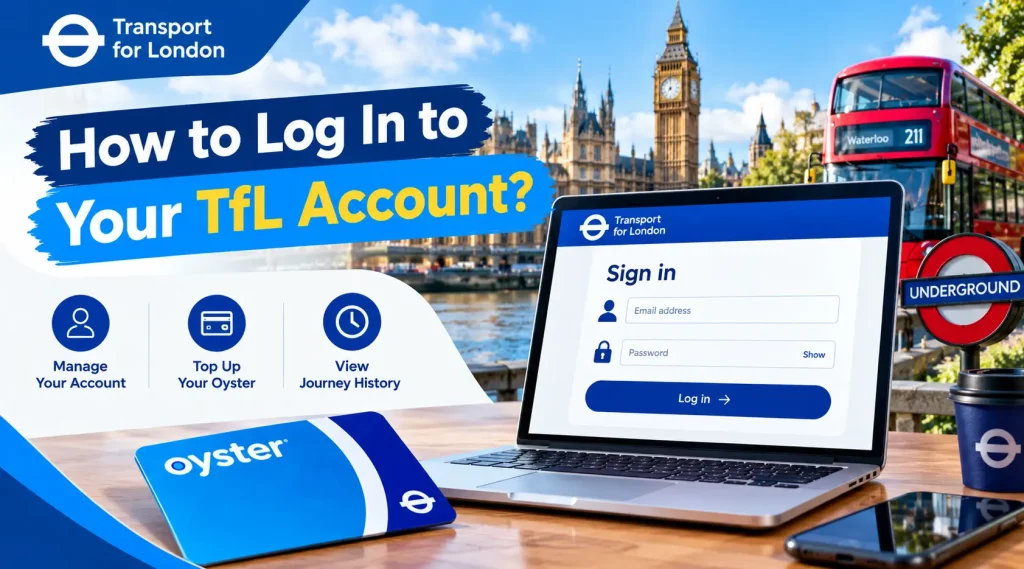
Sign In to Your TfL Account on a Phone or Computer
Open the TfL login page in your browser. The process is the same whether you use a mobile phone, tablet or laptop.
Follow these steps:
Log In Through the TfL Go App
The TfL Go app lets you manage your travel directly from your phone. It is useful when you are out and need to top up your card before reaching a station. Simply use the same email address and password as your online account, so there is no need to create another account.
If you need more detailed information, the website is a useful option. For quick tasks, such as topping up your card, the app can be more convenient.
What Can You Do After Signing In?
After logging in, you can manage your travel payments and Oyster card through your account.
You can:
Oyster Card Login: Details You Need
If you are searching for an “Oyster log in” and wondering whether it is different from a TfL login, the answer is no. Your Oyster card login uses the same TfL account details, so you only need one email address and password. Keep these details ready to access your account in less than a minute.
You will need:
These details are enough for regular sign-ins. You do not need to have your Oyster card with you every time you log in. However, you will need the card number when adding a new card to your account for the first time.
What Should You Do in Your Situation?
| Your situation | What to do |
|---|---|
| You already have a TfL account | Log in using your email address and password |
| You have an Oyster card but no account | Register your Oyster card online first |
| You cannot remember your password | Select the password reset option on the login page |
| You have a Visitor Oyster card | You cannot register or log in with a Visitor Oyster card. Use a station ticket machine instead |
Quick Tip
If you use both an Oyster card and a contactless bank card, you do not need separate logins. TfL lets you manage both through one account, making it easier to view your travel information in one place.
Forgot Your TfL Account Password? How to Reset It
Forgetting your password can happen to anyone. If you cannot remember your TfL login details, there is no need to create another account. Your Oyster card and its balance will remain unaffected. You just need to reset your password to regain access.
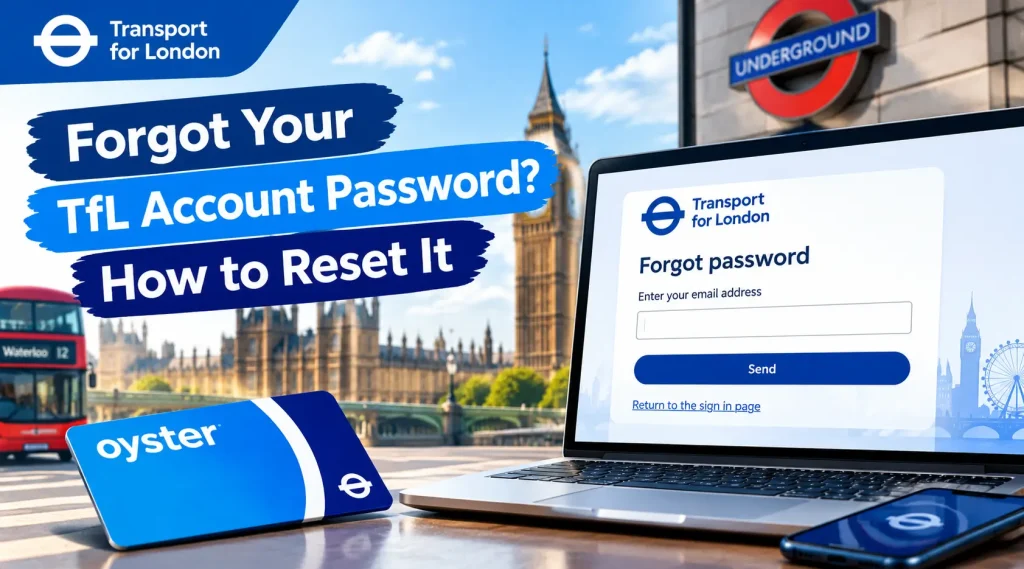
Follow these steps to reset your password:
Make sure you can access the email inbox linked to your TfL account, as the reset instructions will be sent there. If the email does not arrive, check your spam or junk folder.
Tips for resetting your password easily:
If you still cannot sign in or are unsure which email address you used, try the other email accounts you regularly use. If the problem continues, contact TfL customer services through its website. You can also read TfL’s guide on protecting your account for more information.
TfL Login Not Working? Common Issues and Solutions
Most TfL login problems are simple to fix. Before trying anything else, check the common issues below. In many cases, you can get back into your account after a few attempts.
Common login problems and how to fix them:
Quick checks before trying again:
How to Create a TfL Account
Creating a TfL account is free and takes only a few minutes. You can travel without an account, but having one makes managing your Oyster card much easier.
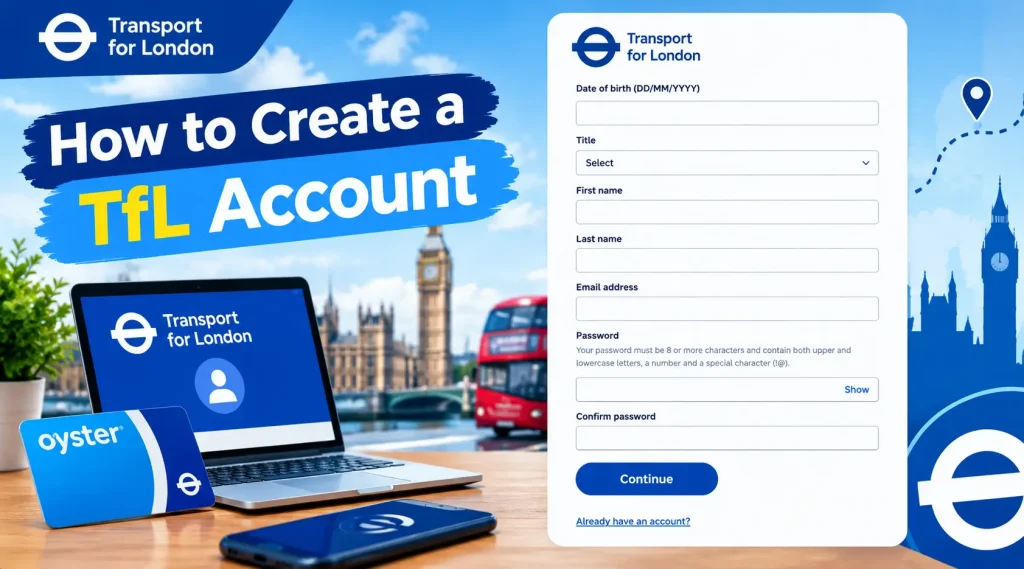
Benefits of having an account:
Steps to create your account:
Remember that Visitor Oyster cards cannot be registered or linked to an account. You can top up these cards at a station ticket machine instead.
Which TfL Login Should You Use?
TfL has different sign-in pages for some services, so you may end up on the wrong page. If your login details are not working, make sure you are using the correct sign-in page for your card. Use the table below to find the right option.
| Your card or payment method | Where to sign in | Further help |
|---|---|---|
| Standard Oyster card | Your TfL account (Contactless and Oyster) | You are using the correct login |
| Contactless bank card or phone | Your TfL account (Contactless and Oyster) | Oyster vs contactless |
| Visitor Oyster card | No login available; registration is not supported | Visitor Oyster card guide |
| Zip photocard (5–10, 11–15, 16+) | Visit TfL’s photocard pages | Zip Oyster card guide |
| 18+ Student photocard | Visit TfL’s photocard pages | Student Oyster card guide |
| 60+ photocard or Freedom Pass | Visit TfL’s photocard pages | Freedom Pass guide |
Photocard Login: Zip, Student and 60+
A photocard is an Oyster card that displays your photo. It provides free or discounted travel for eligible children, students and older residents. Some photocards use a different TfL sign-in page from standard Oyster cards, so your login details for one service may not work for another.
If you have a photocard:
Each photocard type has its own login process, so we cover them in separate guides. If you are under 18, see our Zip Oyster card login guide.
Contactless Account Login
If you pay for travel with a contactless bank card, phone or watch, you can use the same TfL account as Oyster card users. TfL calls it the Contactless and Oyster account, so you do not need a separate login.
With your contactless account, you can:
How to Keep Your TfL Account Safe When Logging In
Your TfL account contains your email address, travel history and payment details, so keeping it secure is important. Scammers sometimes create fake login pages to steal passwords. Following a few simple steps can help protect your account.
Check these things before signing in:
Ways to protect your account:
Look out for these warning signs:
If anything seems suspicious, do not click the link. Close the message, open TfL’s website directly and sign in there. If you think you have entered your details on a fake website, change your password immediately.
TfL Account Login: Frequently Asked Questions
Conclusion
Logging in to your TfL account is simple once you know where to sign in. Use your email address and password on TfL’s official website to top up your card, check your balance and view your journeys in one place. If you forget your password, reset it to regain access. If your login details do not work, make sure you are using the correct sign-in page, especially if you have a photocard. You can use an Oyster card without an account, but Visitor Oyster cards cannot be registered. Above all, keep your details safe by signing in directly through TfL’s website instead of clicking links in messages. Sign in, top up and enjoy your journey.