
Check Oyster Card Balance: Online, in the App or at a Station
Want to check your Oyster card balance before travelling? It only takes about a minute, and you can check it before reaching the ticket gate. Use a station ticket machine, log in to your TfL account online, or check through the TfL Go app.
This guide explains the easiest ways to check your Oyster card credit, including how to check your Oyster card balance online or without an account. It also covers Visitor Oyster cards, which have different options, and what to do if your balance seems lower than expected.
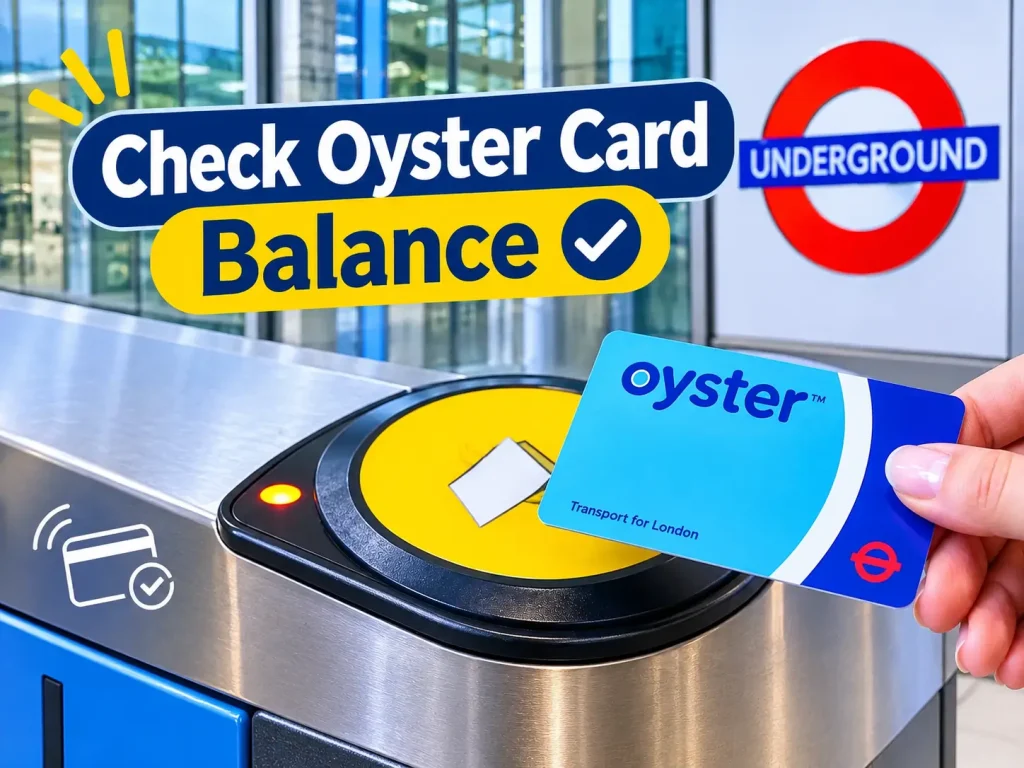
How to Check Your Oyster Card Balance
There are three easy ways to check how much credit is left on your Oyster card, and each takes about a minute. Choose the method that suits your current situation.
Check Your Balance at a Station Ticket Machine
Using a ticket machine is the simplest way to check your balance. It works with all types of Oyster cards, and you do not need an account.
Follow these steps:
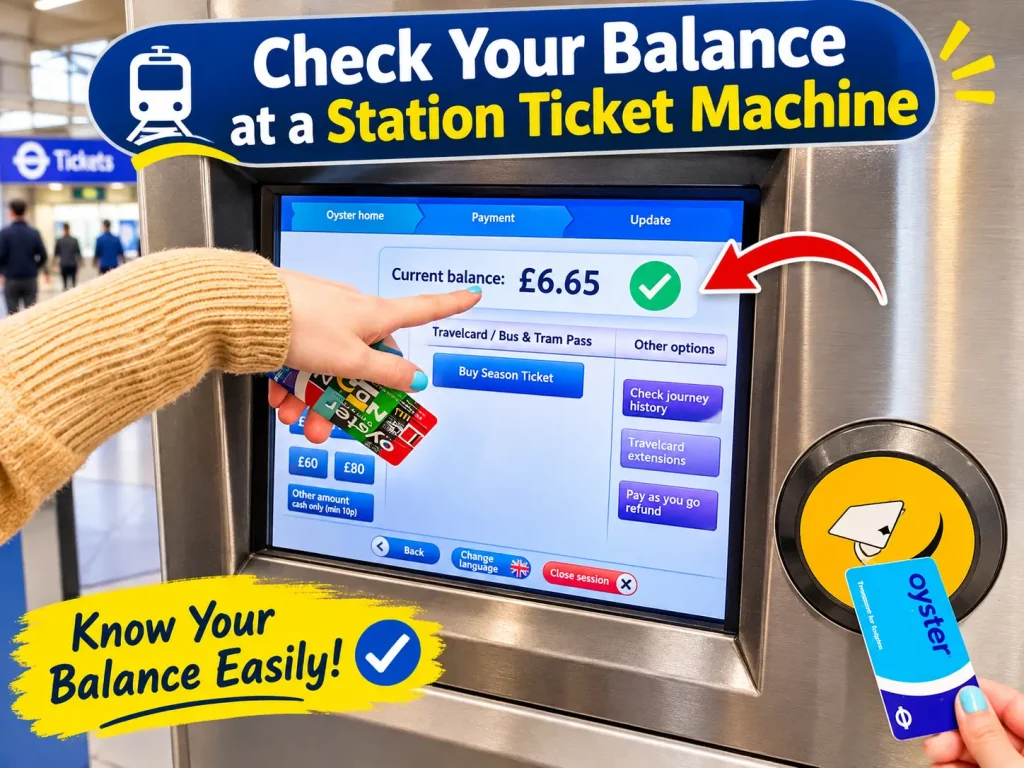
If your balance is running low, you can top up your card at the same machine before travelling. Visitor Oyster cards can only be checked this way because they cannot be registered online.
Check Your Oyster Card Balance Online
If your Oyster card is linked to a free TfL account, you can check your balance from home, work or anywhere with an internet connection. To check your Oyster card balance online, sign in to your account on the TfL website and select your card.
You can view:
Check Your Balance Using the TfL Go App
The TfL Go app uses the same account as the TfL website, so you do not need to create another one. It is useful when you are travelling, as you can check your balance and add credit before reaching the station. Use the website for more details or the app for a quick balance check.
Check Your Balance at a TfL Visitor Centre
If you are visiting London for the first time or need help using the machines, staff at a TfL Visitor Centre can help you check your balance and explain how your card works. This is a helpful option for first-time visitors or anyone who prefers personal assistance.
How to Check Your Oyster Card Balance Without an Account
You can check your remaining Oyster card credit without creating an account. Many people use their cards regularly without registering them. All you need is access to a station.
Without an account, you can:
These options are available for all types of Oyster cards, including Visitor Oyster cards.
What You Need an Account For:
Good to know: If you use a contactless bank card, you can view your last seven days of journeys on the TfL website without signing in. This option is only available for contactless payments, not Oyster cards.
How to Check Your Visitor Oyster Card Balance
A Visitor Oyster card works much like a standard Oyster card, but there is one key difference. You cannot register it online, so you cannot view its balance through a TfL account or the TfL Go app. To check your Visitor Oyster card balance, use a station ticket machine.
Follow these steps:
The process takes less than a minute. If your credit is running low, you can top up your card at the same machine. Station staff can also show you how to use it if you need help.
Tips for Visitors:
Which Oyster Card Balance Check Method Should You Choose?
Every method shows the same balance. The right choice depends on where you are and what information you need. Use the table below to find the most suitable option.
| Your situation | Best way to check | Account needed? |
|---|---|---|
| You have a registered card and are at home | TfL website | Yes |
| You are out and want to check on your phone | TfL Go app | Yes |
| You want to view your recent journeys too | TfL website or TfL Go app | Yes |
| You do not have an account | Station ticket machine | No |
| You use a Visitor Oyster card | Station ticket machine | No |
| You are at a station and need a quick check | Station ticket machine | No |
| You are new to London and need assistance | TfL Visitor Centre | No |
If you are unsure which method to use, start with a station ticket machine. It works with every type of Oyster card and does not require you to sign in. If you check your balance regularly, creating a free TfL account can save you a trip to the station.
Oyster Card Credit Check: Is Your Balance Correct?
An Oyster card credit check helps you see how much money remains on your card and spot any unexpected charges, such as a fare that seems higher than usual. In most cases, there is a simple explanation, and you can check it in just a minute.
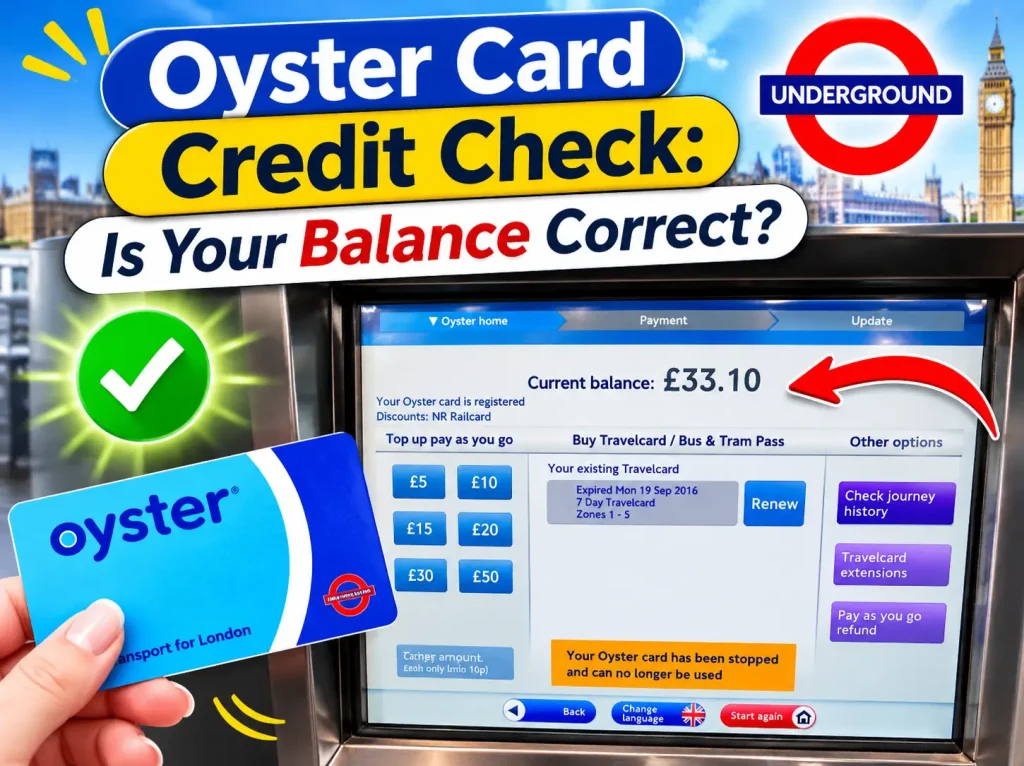
Why Is My Oyster Card Balance Lower Than Expected?
Here are some common reasons why your balance might be lower than expected:
The fastest way to find out what happened is to check your journey history. Sign in to your TfL account to see where you tapped in and out.
What to Do If Your Oyster Card Balance Is Low
If your balance is running low, there is no need to worry. You can easily add more credit using one of these options:
On buses, most card readers may allow one more journey even if your balance is empty, with the fare taken when you next top up. However, do not rely on this for Tube journeys. Top up your card before travelling.
Oyster Card Balance Check: Frequently Asked Questions
Conclusion
Checking your Oyster card balance takes about a minute, and you can choose from several easy methods. Use a station ticket machine if you do not have an account or use a Visitor Oyster card. If your card is registered, sign in to the TfL website or use the TfL Go app to check your balance and view recent journeys. If your balance seems lower than expected, check your journey history first, as a missed tap is often the cause. When your credit runs low, top up before travelling or enable auto top-up to avoid running out. As fares and rules may change, visit the TfL website for the latest information. Check your balance, add credit and enjoy your journey.