
Oyster Top Up: How to Add Credit Online, at a Station or Near You
Running low on credit? An Oyster card top up is quick and easy, with several ways to add money. You can top up your Oyster card online, use the TfL Go app, add credit at a station machine, or visit a nearby shop.
This guide explains how to top up an Oyster card step by step, helping you choose the easiest method. You will also learn how auto top-up works, how much credit to add, and where to find a top-up point nearby. Whether you need to add credit before travelling or while on the go, this guide covers the basics.
Different Ways to Top Up Your Oyster Card
You can add credit to your Oyster card in several ways. Whether you call it an Oyster top up or an Oyster card recharge, choose the option that works best for your location and schedule.
How to Top Up Your Oyster Card Online
Topping up online is convenient when you are at home or taking a break. You can add credit through your TfL account using a phone or laptop without visiting a station. This option is useful for regular travellers, as registering your card makes it easier to manage and protect.
What you need:
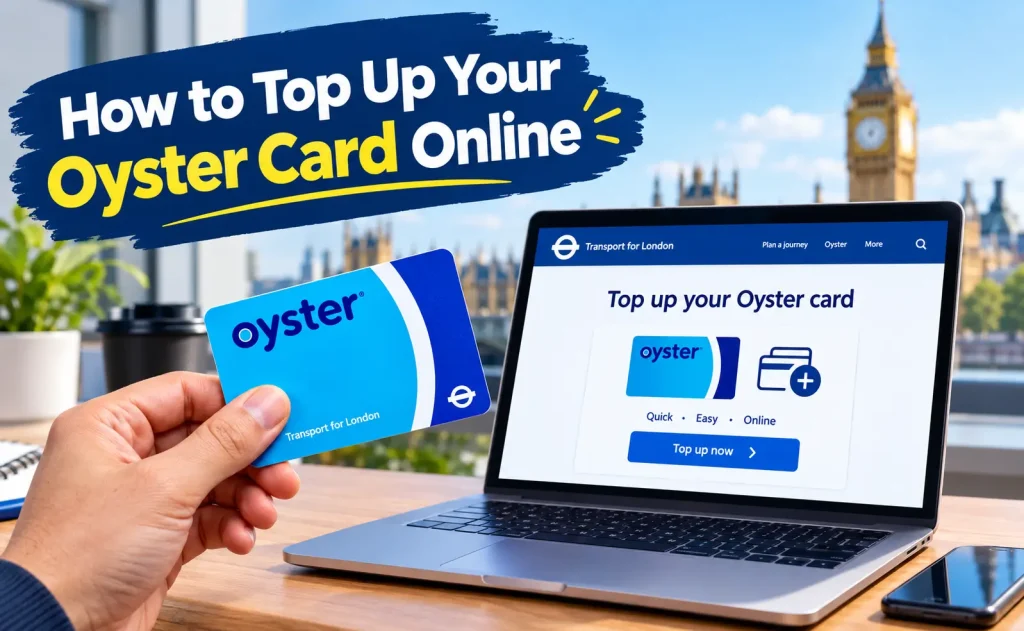
Using the TfL Website or TfL Go App to Add Credit
You can use either the TfL website or the TfL Go app to top up your Oyster card. Both offer similar options, so choose whichever is more convenient. The app is particularly handy when you are travelling. If you search for a “TfL top up,” these are the options to consider.
With your TfL account, you can:

Top Up Your Oyster Card at a Station Machine
Using a ticket machine is a quick option if you do not have a TfL account. The process usually takes less than a minute.
Follow these steps:
Visitor Oyster cards can be topped up at station machines, making this a useful option for tourists. You can also check your balance at the machine before adding credit.
Where to Find an Oyster Top-Up Point Near You
London has plenty of places where you can add credit to your Oyster card. Check these locations:
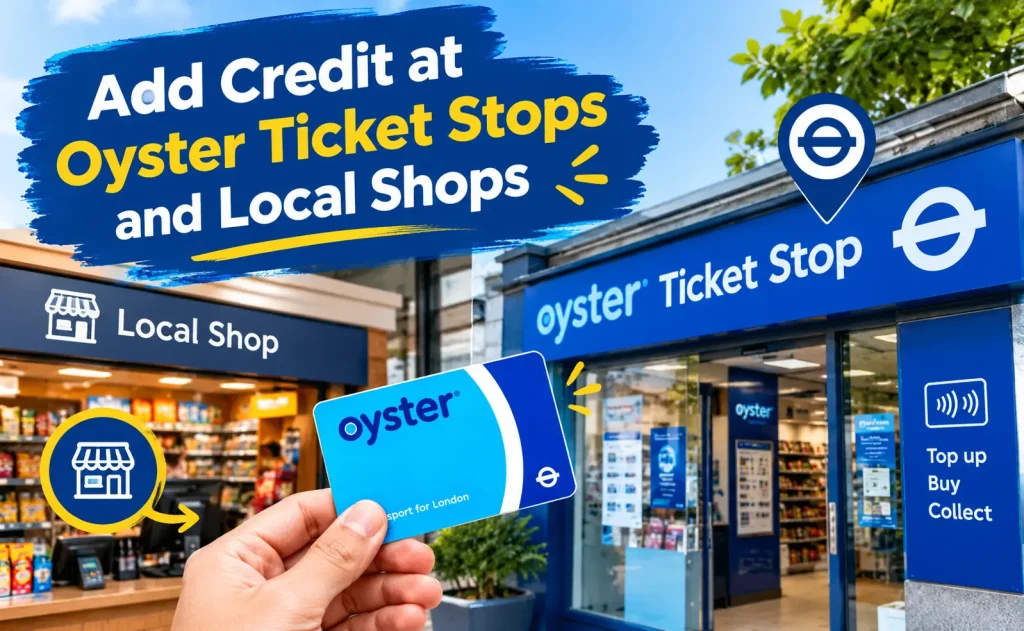
Add Credit at Oyster Ticket Stops and Local Shops
Oyster Ticket Stops are local shops, including newsagents, where you can add credit to your Oyster card. More than 4,000 are available across London, so you can often find one nearby. These shops are also known as Oyster ticket shops.
Top Up Your Card at a TfL Visitor Centre
If you are visiting London for the first time, a TfL Visitor Centre can help you manage your Oyster card. Staff can add credit, answer your questions and explain how to use the card. You can also ask about the Young Visitor discount if you are travelling with children aged 11 to 15.
Look for the Oyster sign in the window, give your card to a member of staff and tell them how much credit you want to add. This can be a convenient alternative when a station is busy.
How Much Credit Should You Add to Your Oyster Card?
Adding too little credit can mean another visit to a ticket machine, while adding too much may leave money unused on your card. These simple tips can help you decide how much to add based on your travel plans.
Oyster Card Top-Up Guide Based on Your Stay
Consider how many days you will spend in London and how often you expect to travel before choosing your top-up amount.
Your Oyster card can hold a maximum balance of around £90, so you do not need to add all your money at once. Any unused credit remains on your card for future trips. If you travel frequently, the daily cap helps control your spending by limiting how much you pay in a day.
What to Do When Your Oyster Card Balance Reaches Zero
There is no need to panic if your balance runs out. On buses, you may be allowed to make one more journey even when your card has no credit. The unpaid fare is then collected when you next top up your card. However, this does not apply in the same way to the Tube, so make sure you have enough credit before travelling.
If your Oyster card balance is low or empty, you can:
To avoid running out of credit, check your balance before travelling. You can also set up auto top-up to add credit automatically.
Oyster Auto Top-Up: Keep Your Card Ready for Travel
Auto top-up is an easy way to keep your Oyster card topped up without adding credit manually. Once you set it up, your card receives more credit automatically when your balance gets low, saving you a stop at the ticket machine.
How Does Oyster Auto Top-Up Work?
Choose a top-up amount and link your bank card or bank account to your registered Oyster card. When your balance drops below £20, TfL automatically adds your chosen amount. You can select £10, £20 or £40. The payment comes from your bank account, and the added credit is available for your next journey.
Things to know before setting it up:
Should You Use Oyster Auto Top-Up?
Auto top-up is useful for regular travellers, but it may not suit everyone. Consider your travel habits before deciding.
Auto top-up may suit you if you:
Manual top-ups may be better if you:
If you are unsure, you can start with manual top-ups and switch to auto top-up later.
How to Add Credit to a Visitor Oyster Card
A Visitor Oyster card has the same fares and daily caps as a standard Oyster card. However, there is one important difference when adding credit. Visitor Oyster cards cannot be registered online, so you cannot top them up through the TfL website, TfL Go app or auto top-up. You need to use a station ticket machine instead.
Follow these steps to top up your card:
You can also check your remaining balance at the same machine before adding more credit.
Helpful tips for visitors:
- TfL suggests starting with around £15 for a two-day stay or £30 for four days.
- Add enough credit for your planned journeys to avoid looking for a ticket machine later.
- Unused credit does not expire, and you can request a refund for any remaining balance when you leave.
- If you are travelling with children aged 11 to 15, ask station staff about the Young Visitor discount.
Choose the Right Oyster Card Top-Up Method
All top-up methods let you add credit to your Oyster card, but the best option depends on your needs. Use this table to find the most suitable method for your situation.
|
Your situation |
Recommended top-up method |
|
You have a registered card and are at home |
TfL website |
|
You are out and have your phone with you |
TfL Go app |
|
You do not have a TfL account |
Station ticket machine |
|
You use a Visitor Oyster card |
Station ticket machine |
|
The station is busy or a shop is nearby |
Oyster Ticket Stop |
|
You are new to London and need assistance |
TfL Visitor Centre |
|
You travel around London every day |
Auto top-up |
If you are unsure which option to use, start with a station ticket machine. You do not need an account, and it works for both standard and Visitor Oyster cards.
Frequently Asked Questions About Oyster Card Top-Ups
Conclusion
Topping up your Oyster card is easy when you know which method to use. You can add credit online, through the TfL Go app, at a station ticket machine, or at a local shop or TfL Visitor Centre. For regular travel, auto top-up saves time by keeping your card topped up automatically, while Visitor Oyster cards need to be topped up at station machines. Add enough credit for your journeys, check your balance before travelling, and remember that unused credit does not expire. As fares and rules may change, check the TfL website for the latest information. Top up your card, tap in and enjoy travelling around London.